Social video
Short-form hook
Energetic indie-pop hook for a 20-second product launch reel, bright female vocal, 118 BPM, catchy chorus.
Generate a full song from a prompt or your own lyrics in minutes, pick the model that fits your sound, then turn the finished track into a beat-synced music video — all in one SongScene workspace.
A strong prompt names the genre, mood, voice, tempo, and where the track will be used.
Energetic indie-pop hook for a 20-second product launch reel, bright female vocal, 118 BPM, catchy chorus.
Warm lo-fi instrumental for a late-night coding stream, vinyl texture, soft drums, no vocals, 82 BPM.
[Verse] I left the city lights behind... [Chorus] We rise with the morning tide...
Energetic indie-pop hook for a 20-second product launch reel, bright female vocal, 118 BPM, catchy chorus.
Warm lo-fi instrumental for a late-night coding stream, vinyl texture, soft drums, no vocals, 82 BPM.
[Verse] I left the city lights behind... [Chorus] We rise with the morning tide...
[Verse] I left the city lights behind... [Chorus] We rise with the morning tide...
Warm lo-fi instrumental for a late-night coding stream, vinyl texture, soft drums, no vocals, 82 BPM.
Energetic indie-pop hook for a 20-second product launch reel, bright female vocal, 118 BPM, catchy chorus.
[Verse] I left the city lights behind... [Chorus] We rise with the morning tide...
Warm lo-fi instrumental for a late-night coding stream, vinyl texture, soft drums, no vocals, 82 BPM.
Energetic indie-pop hook for a 20-second product launch reel, bright female vocal, 118 BPM, catchy chorus.
SongScene turns a text prompt or your lyrics into a finished song with vocals or instrumental output — then hands it straight to a beat-synced video.
Pick quick mode when you have an idea, mood, genre, or use case. Switch to custom lyrics when the words should drive the song. Choose the engine that fits the track — Suno for polished vocals, MiniMax for range, Mureka for fast iterations — and the generator runs it through the same Cloudflare Workflow pipeline as the rest of SongScene, usually returning a playable track in one to three minutes. Most tools stop at the audio; this one is built for the next step: turning the song into a music video, visualizer, or lyric video.
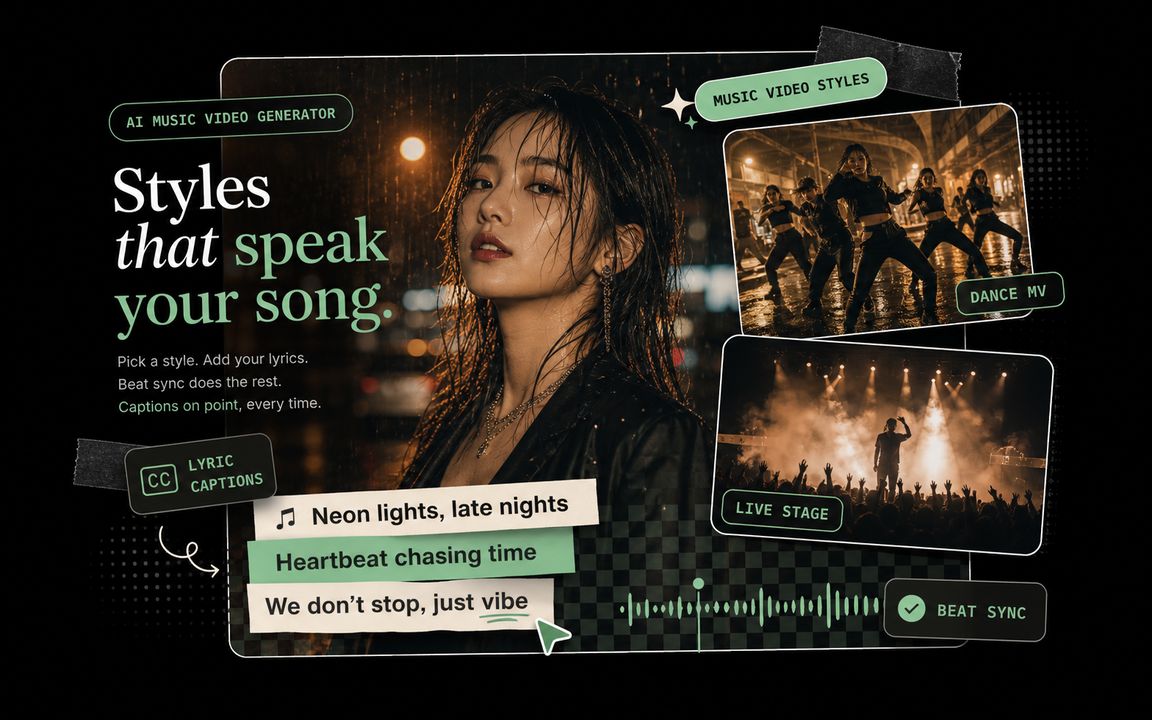
Built for practical output: a song you can hear, reuse, and drop straight into the music-video workflow.
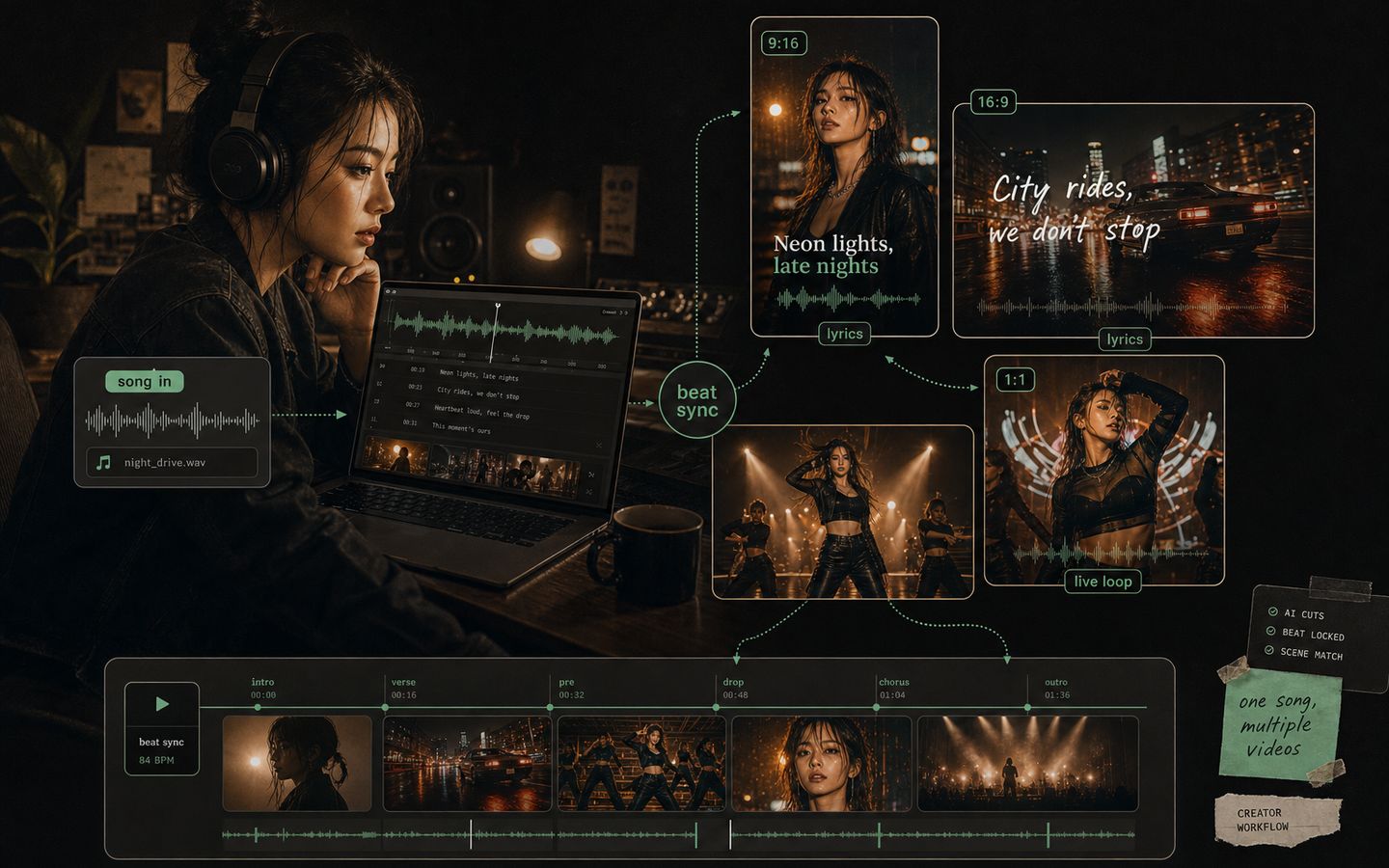
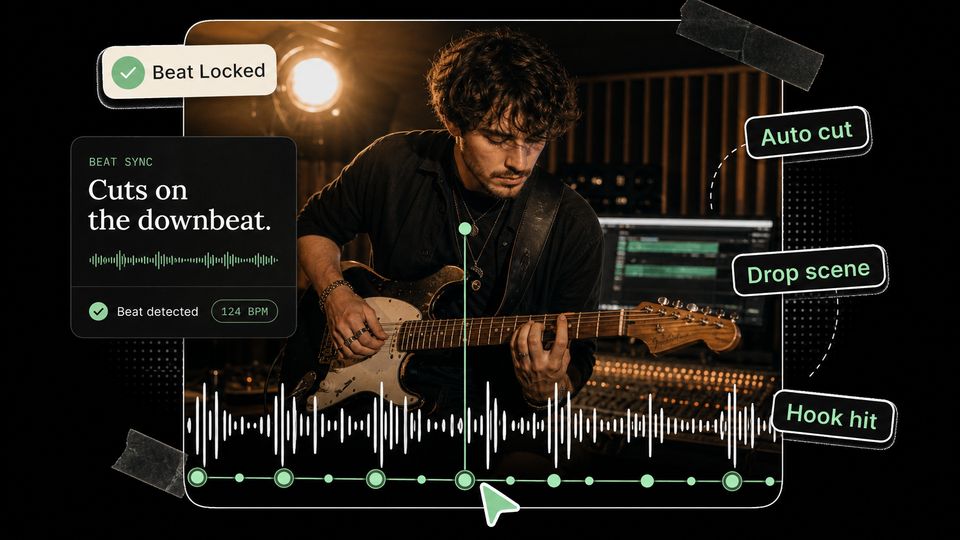
Generate a song first, then use it as the audio source for a beat-synced music video, lyric video, or visualizer — no second tool and no re-upload.
Spin up a chorus, intro, or ad-style hook in minutes for short-form posts, launches, and campaign tests. Switch between vocal and instrumental in one click.
Paste rough lyrics, pick a style, and hear the idea before you rewrite. It works as an audio sketchpad for verses and choruses.
The public page runs the same Song Maker form as the signed-in workspace, so the handoff to video is direct.
Use Describe mode for a fast prompt, or Custom lyrics mode when you already have verse and chorus text to steer the track.
Choose Suno, MiniMax, or Mureka, add a style phrase and optional title, and set vocal or instrumental mode.
Submit the task, let the Workflow poll until it is ready, preview the track, then carry the song into a beat-synced music video.
Not a disconnected lead form — it runs the same generation path as the product, then keeps going into video.
Switch models without leaving the page. Each engine has a different strength — vocals, range, or speed — so you match the model to the track instead of settling for one.
The generated track lands in the same place you build the music video. No export and no re-upload — send the song straight into a beat-synced visualizer or lyric video.
Tasks are created asynchronously and polled through a Cloudflare Workflow until success, failure, or timeout. Most songs are ready in 1-3 minutes while you keep working.
Start from a short natural-language description, or paste full lyrics with verse and chorus cues plus a title and style. Turn on instrumental when the track needs no vocal.
Successful songs return audio, optional cover art, lyrics, duration, title, and style tags — enough to preview the song and plan the video around it.
The fastest path from a song idea to a finished clip — generate the track, then build the visual.
I generate a hook on Suno, hear it, and start the visualizer the same night. Going from idea to a posted video used to take me a week.

I switch between MiniMax and Suno depending on the genre, and the track drops right into the video step. No exporting between three different apps.

Most of my Reels start as a 20-second hook here. Vocal or instrumental, about two minutes, then straight to a beat-synced clip.

I use it for instrumental beds. Mureka iterates fast, so I can test four versions before I commit one to a visualizer.

I batch six tracks at a time and turn each one into a music video in the same workspace. That handoff is the whole reason I stayed.

I paste lyrics from a script, get a real song back in minutes, and build the lyric video without ever leaving the page.

SongScene
Start from a prompt or your lyrics, pick Suno, MiniMax, or Mureka, and keep the workflow moving inside SongScene.